Place proof away from bed
Use a bathroom QR code, kitchen barcode, door NFC tag, household object, or a squat or push-up mission that makes you move.
 OkiPaca
 Now on the App Store
OkiPaca is a proof alarm for real wakeups. It rings like an alarm, then requires the tested physical proof, Game Mission, or Exercise Mission you chose before the wake-up is treated as cleared.
Free to download. In-app purchases. Built for iPhone. Requires iOS 26.0 or later.
How it works
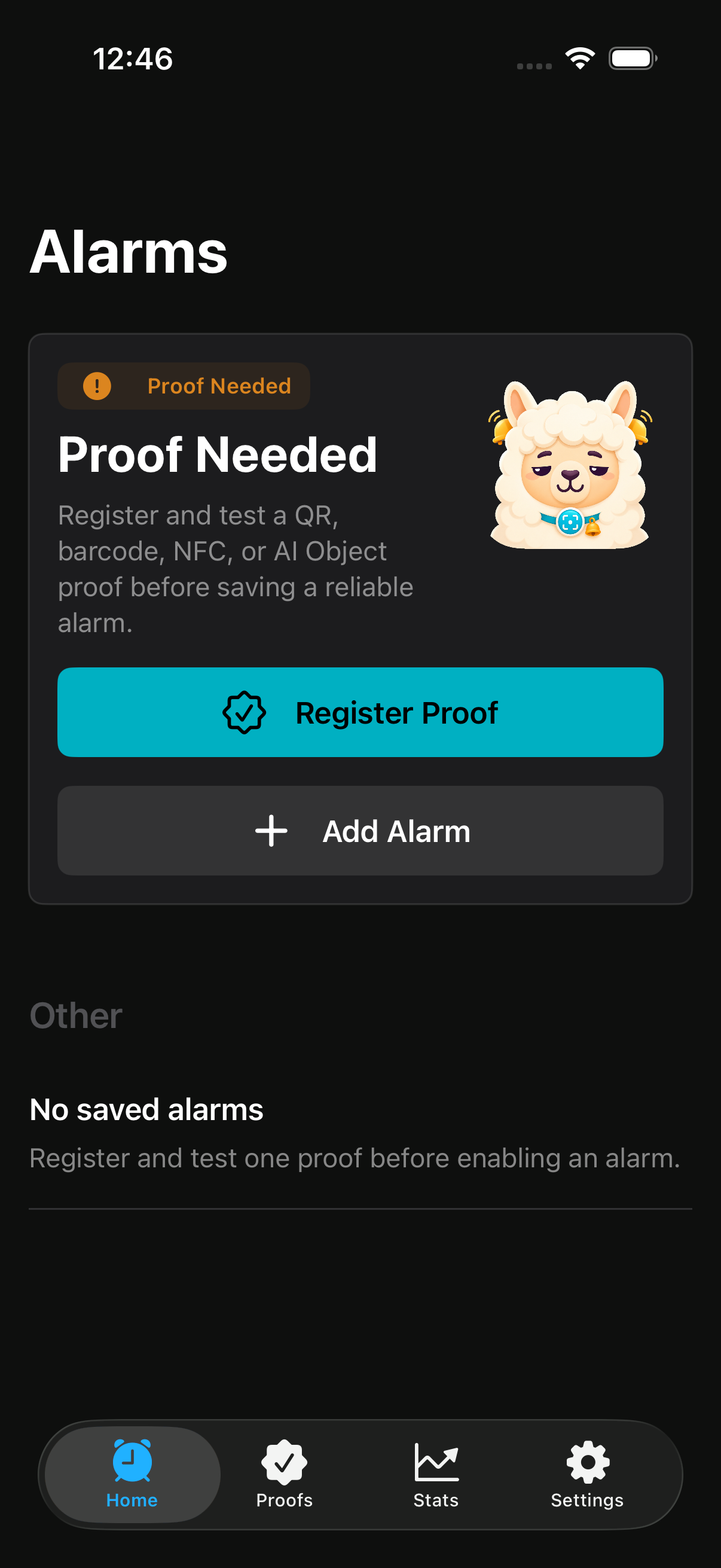
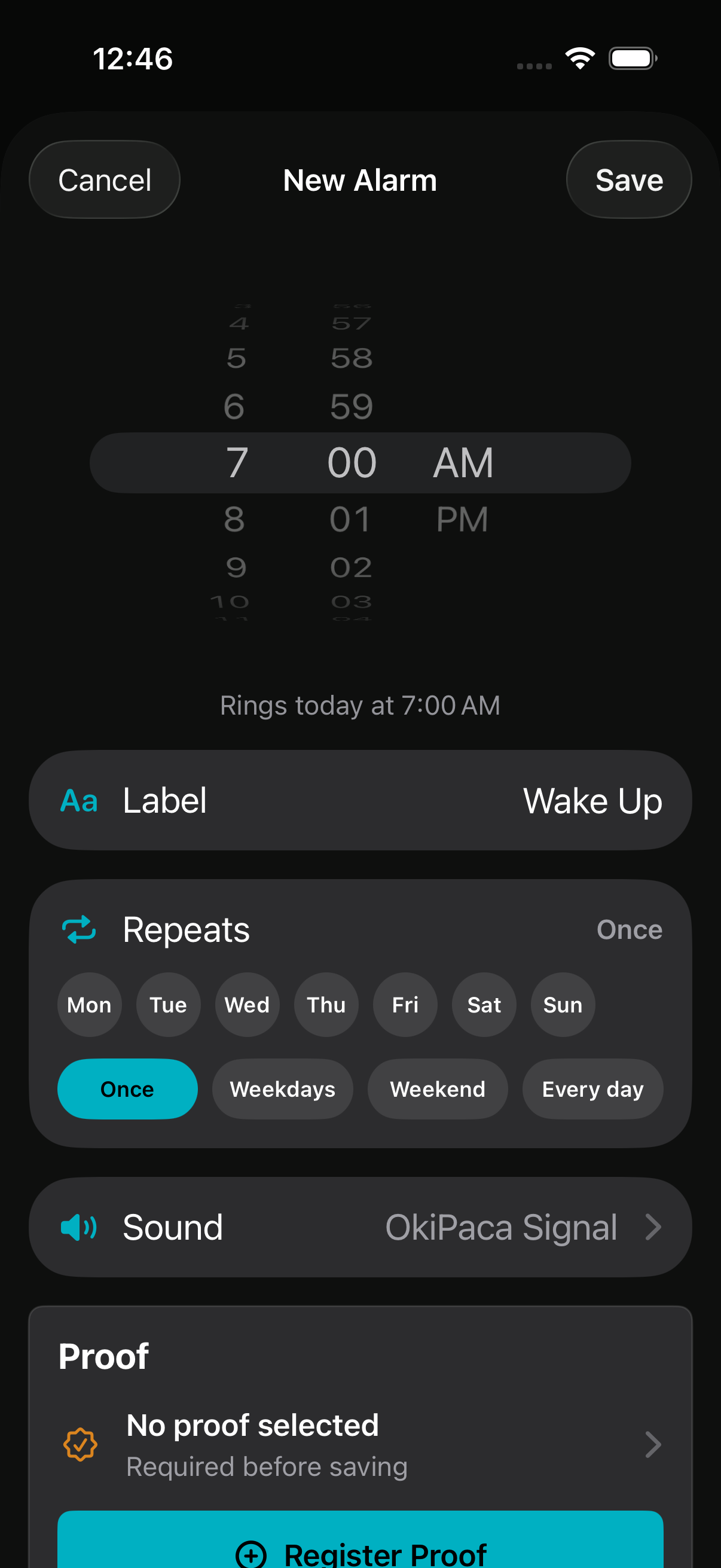
Choose a proof location, test it, attach it to an alarm, then complete that exact mission when it is time to wake up.
Use a bathroom QR code, kitchen barcode, door NFC tag, household object, or a squat or push-up mission that makes you move.
OkiPaca saves physical-proof alarms only when the selected proof is tested and ready on this iPhone.
When the alarm fires, the wake-up remains unresolved until the required mission succeeds or the serious emergency hold is used.
Proof missions
Each proof type has a real setup, test, and repair path. If hardware or permission is unavailable, OkiPaca says that directly.
Print or place a code somewhere you must physically reach.
Use a product or fixed household item that already has a barcode.
Tap a registered tag by the door, sink, or desk on supported iPhones.
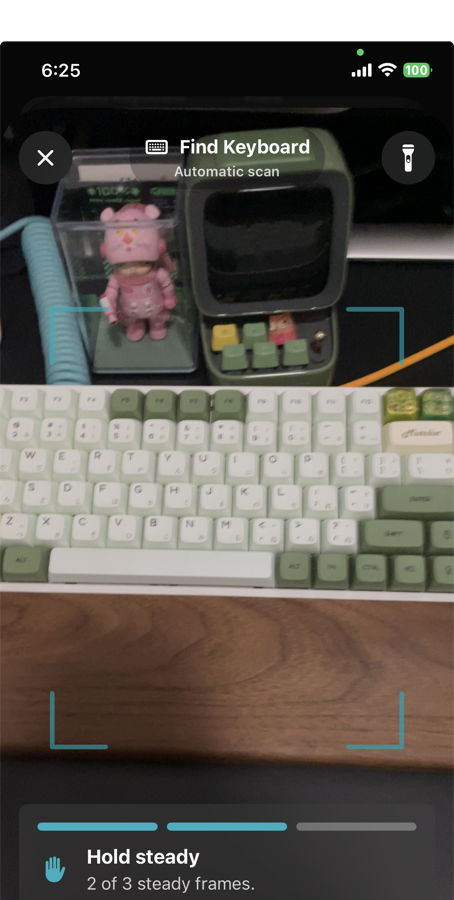
Find a saved household object with local on-device validation.
Exercise missions
Exercise Missions use the front camera for live squats or push-ups. Choose 5, 10, or 15 reps and complete a quick on-device camera test before attaching the mission to an alarm.
Complete 5, 10, or 15 live squat reps with on-device pose guidance.
Complete 5, 10, or 15 live push-up reps with your body visible to the front camera.
Private by design
OkiPaca is built for a sleepy user and a real iPhone. It does not pretend hardware, permissions, or cloud restore can do more than they can.
QR, barcode, NFC, AI Object, and Exercise missions validate on device. Camera originals are not uploaded.
Accounts are optional. Restored alarms stay off until the new iPhone re-tests proof and schedules its own system alarm.
If permission, hardware, or proof data is missing, OkiPaca shows a concrete repair path instead of fake success.
OkiPaca Plus
Weekly and monthly are paid subscription options. Yearly includes a 7-day free trial for eligible Apple accounts. Lifetime is a one-time purchase with no renewal.
No free trial
No free trial
7-day free trial
One-time purchase
Safety flows remain available even if subscription state cannot be checked: already scheduled alarm missions, emergency dismiss, cleanup, restore purchases, and account deletion.
Built for iPhone
OkiPaca uses AlarmKit, camera and Vision frameworks, Core NFC, notifications, and optional Screen Time controls.
Unsupported camera, NFC, Screen Time, or AlarmKit states appear as repair or unavailable states, not silent failures.
Already scheduled missions, emergency dismiss, cleanup, restore purchases, and account deletion remain reachable when needed.
Available now
Start with a tested proof or Exercise mission, then attach it to your first proof alarm on iPhone.
FAQ
A tested QR code, barcode, NFC tag, local AI Object, live squat mission, or live push-up mission.
No. AI Object and Exercise processing runs on this iPhone, and OkiPaca does not save or upload their camera images.
No. Safe restore returns alarms as off until the current iPhone re-tests proof readiness and schedules its own system alarm.